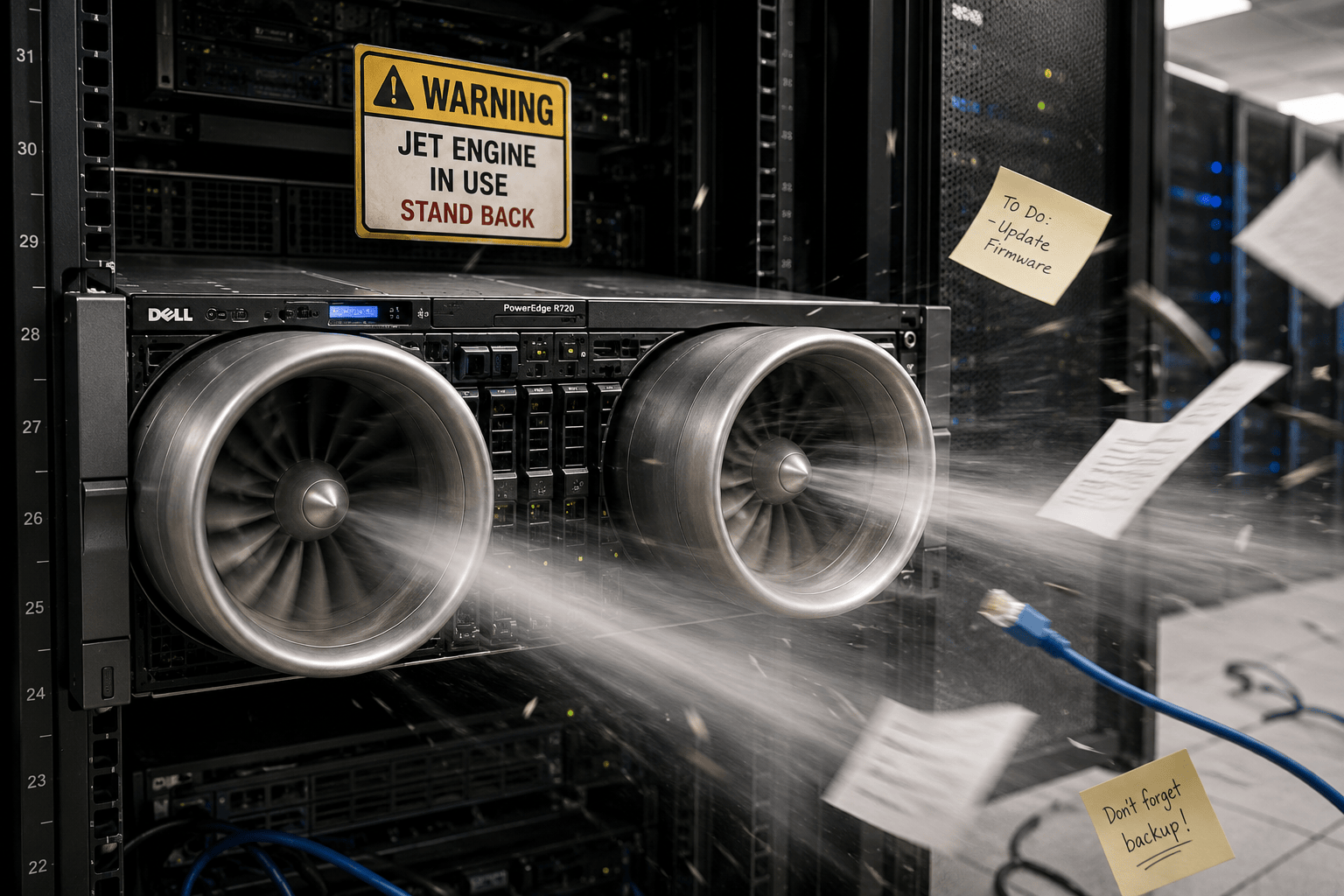
 The Dell PowerEdge R720 is one of the best-value homelab servers you can buy. It's reliable, expandable, cheap on the second-hand market and still surprisingly capable.
There's just one problem: The fans.
Out of the box, the R720 behaves like it's preparing for takeoff. Dell's thermal management is designed for datacentres where noise simply doesn't matter, so even relatively small temperature changes can trigger aggressive fan ramps.
The good news is that the R720 can be made dramatically quieter without sacrificing safe operating temperatures - and this is how I've done it.
Understanding Dell's Thermal Logic
Dell servers dynamically adjust fan speed based on:
- CPU temperatures
- exhaust temperatures
- PCIe devices
- power consumption
- transient thermal spikes
This means the fans can suddenly ramp up even when the average system temperature appears perfectly reasonable.
Typical "safe" temperatures on an R720 look something like:
| Sensor | Typical Safe Range |
| Inlet Temp | 18–30°C |
| Exhaust Temp | 35–55°C |
| CPU Temps | 55–75°C |
I'm running dual Xeons in my setup. They're perfectly happy well into the 70°C+ range, but YMMV depending on your exact config.
A lot of folks run these servers at home and reach for ipmitool to manually cap fan speeds - a fantastic idea in principle, but it comes with a catch. Set the floor too low and you get oscillation: the fans constantly ramp up and back down as the iDRAC fights to keep temperatures where Dell thinks they should be. Not exactly restful.
I'll assume you've already done the basics - disabling the PCIe device fan override, setting the power profile to something conservative, and so on. If not, go do that first and come back.
A Docker Container That Keeps Its Cool
Rather than fighting the iDRAC manually, I've been running the Dell iDRAC Fan Controller Docker image by tigerblue77. It's a tidy little container that:
- monitors temperatures
- applies your preferred quiet fan profile
- temporarily restores Dell dynamic control if temperatures exceed safety thresholds
Here's exactly what I run:
docker run -d \
  --name Dell_iDRAC_fan_controller \
  --restart unless-stopped \
  --device /dev/ipmi0 \
  -e IDRAC_HOST=local \
  -e FAN_SPEED=13 \
  -e CPU_TEMPERATURE_THRESHOLD=75 \
  -e CHECK_INTERVAL=10 \
  -e DISABLE_THIRD_PARTY_PCIE_CARD_DELL_DEFAULT_COOLING_RESPONSE=true \
  tigerblue77/dell_idrac_fan_controller:latest
The settings I've chosen:
FAN_SPEED: 13
Almost as quiet as the homelabber's favourite of '10', but with noticeably better cooling headroom.
CPU_TEMPERATURE_THRESHOLD: 75
My dual Xeons are comfortable up to around 80°C - setting the threshold to 75 keeps things safely below the parapet so Dell's built-in protection never has to step in, except under exceptional load.
CHECK_INTERVAL: 10
Checks every 10 seconds.
Addendum: Running an NVIDIA GPU in an R720
Consumer NVIDIA GPUs often trigger aggressive fan behaviour in Dell servers. Even small GPU load spikes can cause the iDRAC to panic and ramp the fans up.
A good first step is disabling Dell's PCIe cooling response as mentioned above. You can also rein in the GPU's thermal and power behaviour directly with nvidia-smi:
Enable persistence mode:
nvidia-smi -pm 1Reduce the power limit (adjust wattage to suit your card):
nvidia-smi -pl 140