 Should you buy a cheap travel router?
If you've ever been on a cruise ship and fancied some internet access, you'll know that connectivity at sea is a premium affair. You're a captive audience in the most literal sense - one provider, one price, and it's rarely cheap. This is where a travel router earns its keep.
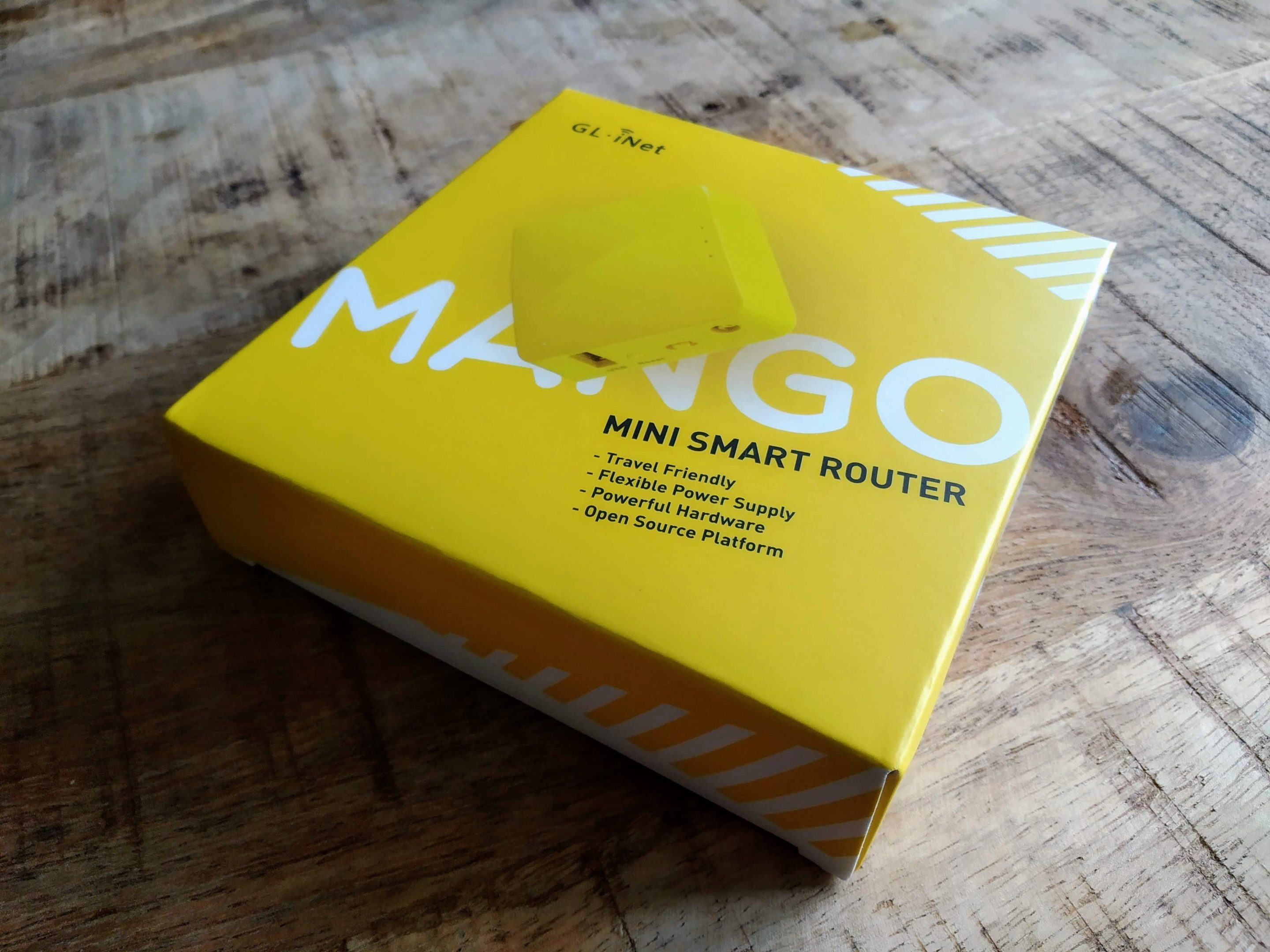
One of the more popular budget models is the 'WiFi Mango' - in my case the GL.iNet GL-MT300N-V2. This small yellow device is marketed as a way to keep you secure while travelling, by routing all your traffic through a VPN and thus giving every connected device protected connectivity - especially useful on communal wifi such as in coffee shops or hotels. The devices run a skinned version of OpenWRT, with the full classic interface still lurking in the background for the technically inclined.
Their killer feature: defeating the paid-for internet scenario.
I recently completed a 14-day cruise and, when in the middle of the ocean, if you want internet connectivity you have exactly one option and it costs a pretty penny. I paid £238 ($300+) for a 'single device ultimate internet' package, which allows one device at a time to have connectivity through the on-board wifi.
The travel router offers a 'repeater' mode, where it connects to a target wifi network and then creates its own wifi network for your devices to join. Sign into the captive portal once and all your devices gain internet access - all counted as a single device package. In other words, this £20 gadget saved me over £200 simply by existing. Combine it with a small power bank and you'll have connectivity anywhere on the ship.
So what's the downside?
The device itself, unfortunately. My Mango had an irritating habit of working beautifully for about ten minutes before connectivity would steadily degrade until it dropped entirely. Downgrading the firmware to version 3.216 helped somewhat - the device would now stay connected for around 30 minutes before giving up. I initially suspected the modest 128MB of RAM, but after digging through the full OpenWRT interface and SSH-ing into the device it was clear there was always adequate memory available. I never got to the bottom of it; I was on holiday and had better things to do than deep-dive router diagnostics.
When it worked, it was fantastic. My advice: spend a bit more on the device and test it thoroughly before you travel. I had tested mine, but never pushed past that ten-minute mark, so the problem went unnoticed until it mattered.
Any tips for using the travel router on a ship?
The USB ports and power sockets in your cabin switch off when you leave - like many hotel rooms, cruise cabins require you to slot your key card into a wall reader to activate the electricity. This is easily bypassed with any credit-card-sized item (the classic 'library card trick'), but interestingly the power-off behaviour can actually work in your favour - here's how.
I configured the Mango to use the same MAC address as my phone's wifi adapter, and set my phone to prefer the Mango's SSID over the ship's wifi. When you leave your cabin and the Mango powers down, your phone automatically falls back to the ship's wifi - you stay connected. When you return, the Mango boots up, your phone reconnects to it, and everything carries on seamlessly. When you're out and about and need to share connectivity, your phone's hotspot works as normal. Just don't have both active simultaneously; that won't end well.
I don't want to pay at all - what are my options?
And now we venture into distinctly murkier waters (pun very much intended). I should stress upfront that what follows is entirely academic. Ship network configurations vary enormously - what applied on my nameless, undescribed vessel is unlikely to translate to yours - so treat this as a window into how these things can be poorly secured rather than any kind of actionable guide. I did not do any of this. You will not do any of this.
Option 1: Abuse poorly configured 802.1X NAC - I noticed that Google Docs-equipped terminals were in use at most till and booking points around the ship, though not all were in active use. One such terminal at a kids' club entrance, for instance, was perpetually switched off. The MAC address printed helpfully on the back of the machine suggested it ought to have unfettered internet access - presumably because device-based 802.1X NAC had been applied inconsistently, with the same allow-list used across contexts it shouldn't have been. A word of caution: this is the riskiest approach, since AP density on a cruise ship is high - roughly one access point per three cabins - meaning your precise location is trivially determinable if anyone comes looking.
Option 2: Find a poorly configured switch or router - A quick network scan for devices acting as routers occasionally turns up paths that lead straight to the internet. The switch in question inherits internet access rights, so setting it as your next hop can work - though availability varies depending on where you are on the ship, making it more of a situational curiosity than a reliable solution.
Option 3: Good old-fashioned detective work - Internet packages on this particular ship required only a cabin number and date of birth to access. The on-board casino, it turned out, was a rich source of both. When a guest used their room key at a slot machine to charge credit to their on-board account, their cabin number appeared on screen; confirming the transaction required entering their PIN, which happened to be their birth month and year. The touch screens were not exactly responsive, affording ample time for passive observation. With fewer than 30 attempts you could gain access to almost anyone's account - and if the target had a multi-device package, you could potentially ride along for the entire voyage without attracting attention. Ever heard of a trip to the casino saving you money? Well, now you have.
Again - strictly academic. The ship is unnamed, its configuration undoubtedly unique to it, and none of this happened.

 The Dell PowerEdge R720 is one of the best-value homelab servers you can buy. It's reliable, expandable, cheap on the second-hand market and still surprisingly capable.